
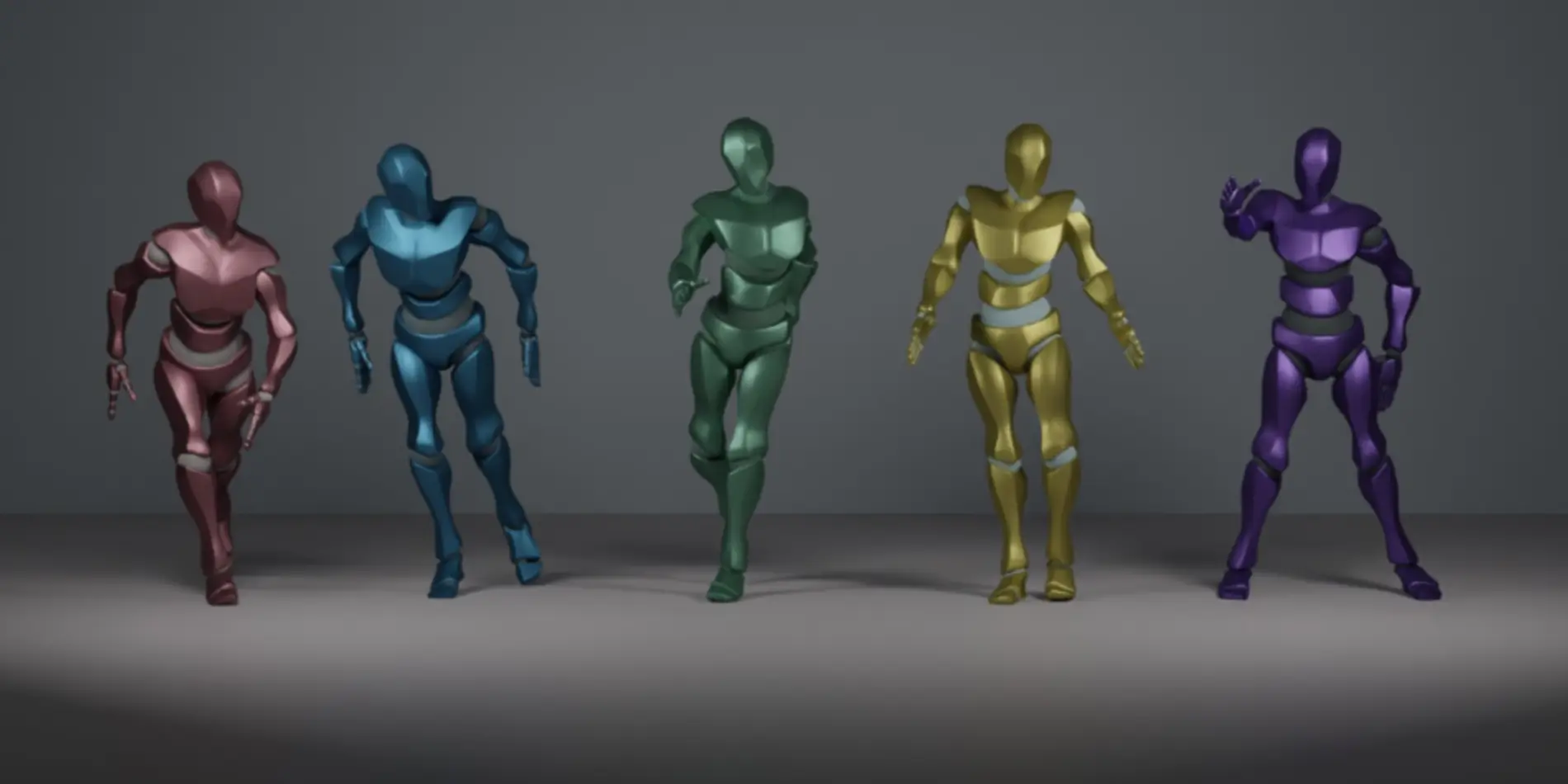
If you’ve tried a few AI video prompts lately, you’ve probably noticed something odd: dance tends to produce shareable clips faster than a lot of “cinematic” ideas. Not always prettier. Just… more postable. The reason is surprisingly practical.
Dance is structured. It has an internal metronome (beats), a predictable body layout (full-body framing), and a natural “loop point” (a move that returns to neutral). In other words, it’s a constrained generation problem. Constraints are what most models secretly need.
That’s why AI generated dance workflows are often the easiest on-ramp if your goal is a clip you can actually publish—short, rhythmic, readable on mobile, and less likely to collapse into visual chaos.
TL;DR
- Dance works well because it’s repeatable and bounded (beats, poses, loop endings).
- Stabilize results by controlling identity, motion, camera, background.
- Use a prompt that reads like a tiny production brief: full body + fixed camera + simple footwork + loopable ending.
- Keep a failure checklist (limb melt, drift, face change, outfit jump, background flicker) and fix one variable at a time.
- When you want “more like a finished piece,” graduate to tighter control tools like in the mid-to-late stage of your workflow.
Why dance clips are “easy mode” (in a good way)
In my own tests, dance prompts behave like training wheels for AI video. Not because the models “understand dance,” but because dance clips reward the same things models are already decent at:
- Short duration: fewer chances to drift.
- Repeated patterns: the model can recycle motion logic without improvising new physics every frame.
- Clear success criteria: if the rhythm feels off, you notice instantly.
- Mobile-friendly framing: full body in frame is a clean constraint.
If you want consistent results, the trick is to stop treating prompts like poetry and start treating them like a checklist.
Break the dance task into 4 controllable variables
When a generation fails, it’s usually one of these knobs slipping.
- Person (identity)
The “who.” Face consistency, proportions, outfit details, hairstyle, even shoe shape. - Motion (dance)
The “what.” Footwork complexity, tempo, arm movement range, how often the pose changes. - Camera (how it’s filmed)
The “how.” Locked tripod vs handheld, push-in vs static, full-body vs mid-shot. - Background (scene)
The “where.” Lighting stability, texture detail, moving elements, reflections, crowds.
A helpful mental model: every extra moving part is a tax. If the background has neon signs, mirrors, and passing cars, your motion budget shrinks.
A prompt framework that reliably “stays stable”

The most practical “stable dance” recipe I use looks like this:
- Full body in frame
- Fixed camera (tripod, no pan, no zoom)
- Simple footwork (two-step, side-to-side, small hops)
- Loopable ending (return to the starting pose)
Here’s how I’d phrase it in plain English (not as a magic incantation—just as a clear brief):
- Subject: one dancer, full body visible, centered
- Camera: locked-off tripod, eye-level, no camera movement
- Motion: upbeat simple footwork, clear arm swings, readable moves
- Scene: clean studio background, soft key light, mild rim light
- Ending: dancer returns to neutral pose, clean loop
If you want one “rule” that improves outcomes quickly: cut the choreography by 30% before you generate. You can always escalate intensity after you’ve proven the setup holds.
Failure modes checklist (the ones I see most)
When a dance clip breaks, it usually breaks in predictable ways:
- Limb melt: elbows/ankles deform during fast moves
- Step drift: feet slide like the floor is ice
- Face change: identity shifts mid-clip (especially on turns)
- Outfit jump: wardrobe drift: sleeves, prints, and shoes change shot-to-shot.
- Background flicker: lighting pulses, textures crawl, objects pop in/out
A useful habit: don’t “fix” everything at once. Pick one failure mode, change one variable, regenerate. That’s how you learn what the model responds to (and you build instincts that transfer across tools).
Quick reference table: dance type → camera → intensity → risk → one-line fix
| Dance type | Recommended camera | Motion intensity | Common risk | One-line fix |
| Two-step / side-to-side | Locked tripod, full-body | Low | Background flicker | Simplify scene + soften lighting |
| Hand/arm-focused groove | Locked tripod, mid-to-full | Medium | Face change on head turns | Reduce head rotation + keep gaze forward |
| Small hops / bounce | Locked tripod, full-body | Medium | Foot slide | Specify “feet plant cleanly, no sliding” + slower tempo |
| Fast choreography | Static wide shot | High | Limb melt | Reduce speed + limit limb range |
| Spin / turn moments | Static wide shot | High | Identity drift | Shorten spin + keep hair/outfit simple |
| Group dance | Wide, locked camera | Medium–High | Face/outfit mismatch | Fewer people + consistent wardrobe cues |
From playable to publishable: pacing, camera intent, and cut-friendly moments
A clip can be technically stable and still feel awkward. The upgrade is pacing.
What helps most:
- Pick a beat structure: 4-count moves are easier to watch (and loop).
- Use clean edit points: cut on a pose “hit,” not mid-transition.
- Avoid micro-zooms: subtle camera movement often reads like instability.
- Anchor the first second: if frame 1 is clean and readable, the whole clip feels more intentional.
This is also where an “advanced control” option becomes worth it. Once you’ve found a prompt that produces stable motion, you’ll want better continuity, more deliberate camera feel, and fewer “random” artifacts. That’s the moment I’d step up to as an iteration layer—less “toy demo,” more “clip you’d actually publish.”
Responsible use (EEAT + practical reality)
A few non-negotiables if you care about quality and trust:
- Use media you have rights to, especially if you’re uploading reference images.
- Avoid sensitive personal content; treat uploads like they might be processed by a third-party system depending on the product and plan.
- If you’re generating people, be careful with likeness and consent. “Publicly shareable” and “technically possible” are not the same thing.
A 10-minute A/B test that improves results fast
If you only have ten minutes, run this tiny experiment:
- A version: your current prompt
- B version: same prompt, but with one stabilizer added: “locked tripod, no camera movement, full body visible, simple footwork, loopable ending”
Generate both once. Compare:
- Which one keeps feet planted?
- Which one preserves face/outfit consistency?
- Which one has a cleaner loop point?
Keep the winner. Change just one more variable (background simplicity or motion intensity) and repeat. Two rounds is usually enough to find a “stable baseline” you can build on.
Trend check: why this matters beyond memes
AI video is moving toward workflows that look more like production: controlled shots, repeatable styles, consistent characters, reusable “prompt rigs.” Dance is a perfect training ground because it rewards constraint, and constraint is what turns generation into something you can ship.
If you’re aiming for clips that feel intentional—not just lucky—treat dance like a controlled lab experiment. You’ll get better results now, and you’ll build a workflow that transfers to every other type of video you want to generate next.