
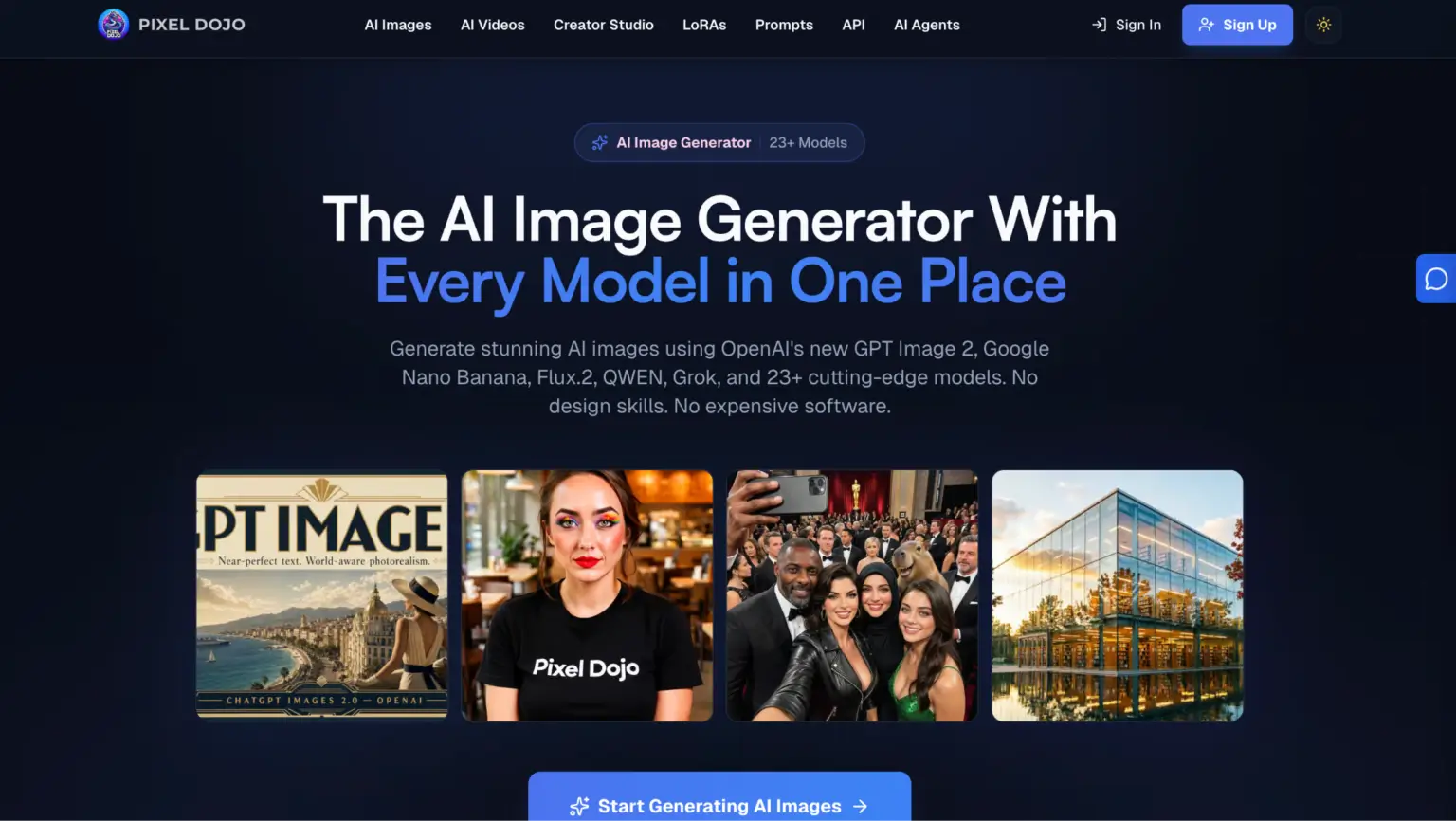
You don’t need to understand diffusion models or spend weeks learning Photoshop to create visuals that actually work.
A good AI Image Generator can turn plain-language descriptions into usable graphics, the kind you’d put on a product page, social post, or pitch deck without thinking twice.
But there’s a gap between what these tools can do and what most people get from them.
That gap isn’t about technology.
It’s about knowing what to ask for.
Why Most People Get Underwhelming Results
The biggest misconception is that you type a few words and get something perfect.
Rarely works that way.
AI image generation runs on prompt specificity.
The more detail you feed in, the closer the output gets to what you actually pictured.
Saying “a dog in a park” gives you something generic.
Saying “a golden retriever sitting on a park bench at sunset, shallow depth of field, warm tones” gets you something you’d actually use.
Most frustration comes from vague inputs paired with high expectations.
The tool isn’t broken. The instructions were just too loose.
Picking the Right Tool for the Job
Not every AI image generator handles every use case equally well.
Some platforms excel at photorealistic renders like product mockups, headshots, and lifestyle imagery.
Others lean toward illustration, concept art, or stylized graphics.
A few do both reasonably well, though there’s usually a trade-off somewhere.
Here’s what matters when choosing:
- Output resolution: Can you actually use the image at the size you need, or does it fall apart when scaled?
- Style control: Does the platform let you steer the aesthetic, or are you stuck with whatever it defaults to?
- Editing flexibility: Can you refine specific parts of an image without regenerating the whole thing?
- Speed and cost: Some tools burn through credits fast, especially at higher quality settings.
Matching the tool to the task saves time.
Trying to force a stylized art platform into producing clean product photography just creates unnecessary back-and-forth.
Writing Prompts That Actually Work
Think of a prompt like a creative brief.
You wouldn’t hand a designer a single sentence and expect them to read your mind.
The same principle applies here.
Good prompts include a subject, a setting, a mood, and technical details like lighting or camera angle.
A practical framework looks something like this: subject + environment + style + lighting + composition.
“A ceramic coffee mug on a marble countertop, minimalist kitchen background, soft natural light from the left, overhead angle, product photography style.”
That gives the model enough to work with.
Negative prompts help too.
Most platforms let you specify what you don’t want: blurry backgrounds, extra fingers, watermarks, text overlays.
These exclusions sharpen results significantly because the model stops guessing in directions you didn’t intend.
Common Mistakes That Waste Your Time
Overloading a single prompt with conflicting ideas is the fastest way to get garbage output.
Asking for “a futuristic cityscape that also feels rustic and cozy with neon lights but natural tones” confuses the model.
Pick a direction.
Contradictory instructions produce contradictory images.
Another common trap: ignoring aspect ratio.
If you need a vertical image for Instagram Stories, specify that upfront.
Generating a landscape image and then cropping it down almost always ruins the composition.
Most tools let you set dimensions before generating. Use that feature.
Regenerating the same prompt fifty times, hoping for a better result, is also a dead end.
If the output isn’t close after three or four tries, the prompt needs rewriting, not repeating.
Where AI Images Genuinely Save Time
The real value isn’t replacing professional photography or illustration entirely.
It’s handling the visual busywork that used to eat hours.
Blog headers, social media graphics, placeholder mockups, internal presentations.
These don’t need a photoshoot or a $500 freelancer.
They need something decent, on-brand, and fast.
Small businesses benefit the most here.
A solo founder running an e-commerce store can generate lifestyle imagery for seasonal campaigns in minutes instead of scheduling and paying for product shoots every quarter.
Marketing teams can test visual concepts before committing budget to a full creative production.
Even professional designers use AI image tools for rapid ideation.
Generating mood boards, exploring color palettes, or mocking up rough concepts before refining them manually.
Staying on the Right Side of Usage Rights
One thing people overlook is licensing.
Not every AI-generated image is automatically yours to use commercially.
Platform terms vary widely.
Some grant full commercial rights on all outputs.
Others restrict usage based on your subscription tier or retain certain rights themselves.
Read the terms of service before using AI images in anything customer-facing.
This matters especially for printed materials, advertisements, and product packaging, where legal exposure is higher.
A five-minute check now prevents headaches later.
What to Expect Going Forward
AI image quality improves noticeably every few months.
Features like inpainting, outpainting, and style transfer that felt experimental a year ago are now standard.
Real-time generation is getting faster.
Consistency across multiple images, like keeping the same character or product looking identical across a series, is finally becoming reliable.
The learning curve hasn’t disappeared, but it’s flattened considerably.
You don’t need technical expertise anymore.
You need clarity about what you want and a willingness to iterate on your prompts.
That’s a much lower bar than learning design software from scratch, and the results keep getting closer to what used to require a professional eye.