
Beyond the Inbox: How Direct-to-Device Messaging Is Changing Mobile Marketing
Direct-to-device messaging helps brands reach mobile users faster through timely, personalized notifications that appear directly on lock screens and encourage immediate action.
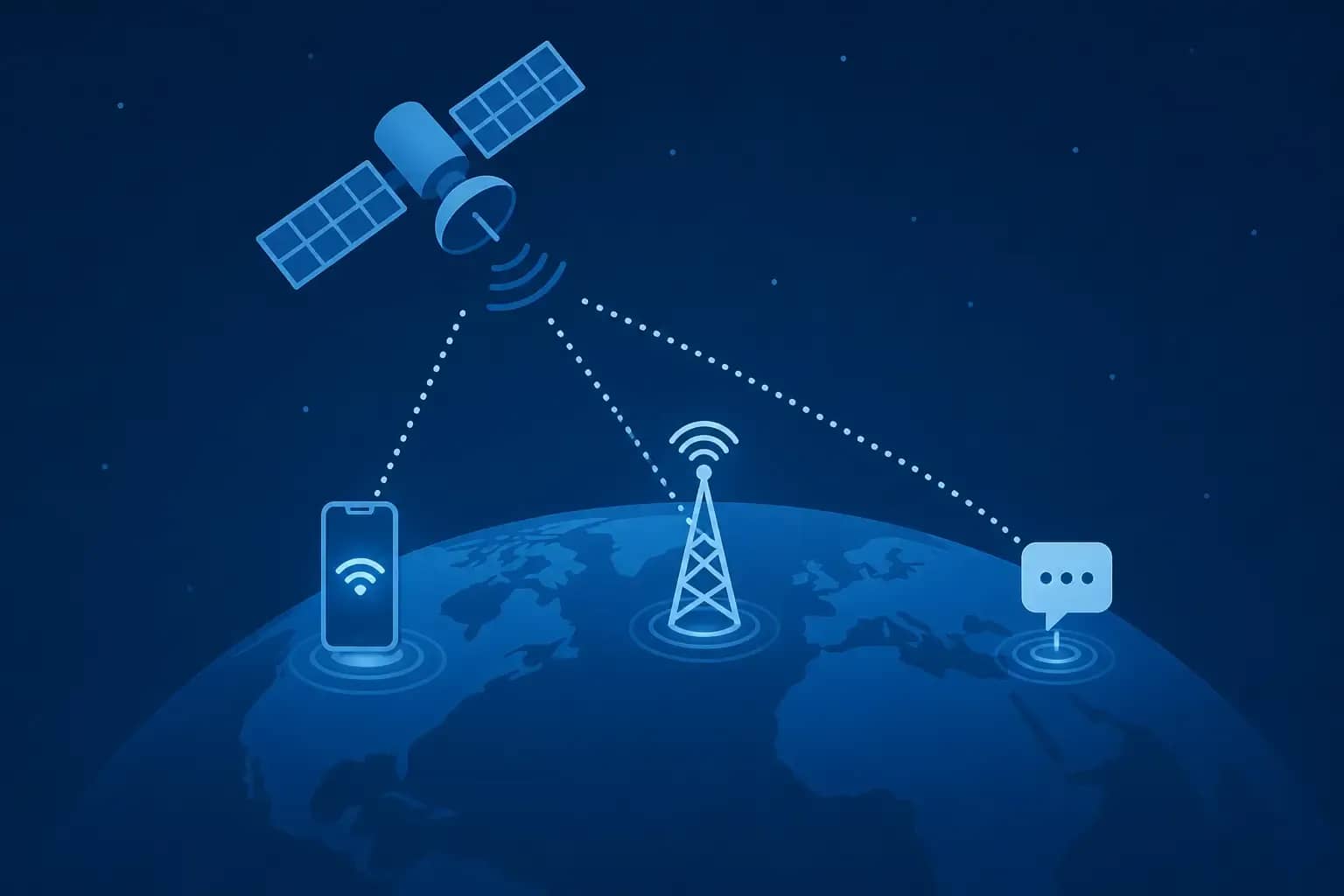
For starters, notifications have a 90% average open rate compared to retail email's 15-20%. Plus, 40-70% of opens happen in the first hour, versus email's first 24 hours. That doesn't just mean your message hits more eyeballs faster, it also increases the urgency of your notifications: your audience knows your update isn't sitting idly in their inbox, but actively reaching out to them. This is a powerful motivator for clicks and taps.
Why the lock screen is the most valuable real estate in marketing
When was the last time you unlocked your phone with no reason? You probably glanced at the lock screen. There was at least one notification there. You may have also checked the time, your battery or signal levels, or your current wallpaper.
But that notification was the most important thing on that screen at that time. It was a direct line of communication between you and the app that sent it. There were no third-party algorithms. There wasn't a news feed of notifications ranked by whichever app is best at making you engage with them.
Notifications either get in - sometimes with a sound, a vibration, and/or a pop-up - or they don't. It's the purest and most direct form of app-to-user interaction developers have available to them.
Push vs. pull - the architecture that makes this different
Conventional digital marketing is based on the pull approach. The user decides to open an app, enter a search term, or scroll through a feed. The user decides when to interact with a platform where the brand can potentially be present. The downside is that users must be in an active browsing state for you to connect with them. There are only so many hours in a day that people actively look for ways to spend money.
Push notifications turn that dynamic entirely on its head. You send the message, and it appears on the user's device, often on their lock screen. They don't need to be on your site or in your app. They don't even need to have their device open. For the most effective campaigns, your users could be using their smartphones to take a photo of their dog asleep on their lap, and they'll still see the notification flash up. And if there's a call to action, they can tap the notification and go directly to your offer. That's a direct route to action. Email involves more steps. No matter how irresistible your subject line, you have to hope the user opens the mail, downloads the images, and clicks on the link. With push, they're ready to shop the moment they see the message.
Browser push vs. native app push - the distinction that unlocks scale
Many people still believe that mobile push notifications are only possible through a specific mobile app. This used to be the case, but not anymore.
Mobile push notifications through a native app are facilitated by the notification services integrated at the platform level by Apple and Google for their mobile devices. So your audience must have your specific mobile app downloaded and installed on their device. There are different processes and options for this on iOS and Android, and often users have mobile push notifications turned off for your app specifically.
Mobile web push notifications work on the mobile browser of the device. A user visits a mobile website and subscribes to receive notifications. No app download or installation is needed for this. Notifications can then be sent to the device, regardless if the user is visiting the site or not.
For organizations that cannot afford a mobile app or attract the required user numbers for one, this is a great solution for sending notifications to mobile devices.
So the reach is not capped at your app install base. If you are researching push ads android messaging app options to reach a large target audience quickly, it might make more business sense to run a campaign through a third party ad network that already has the required audience for mobile app notifications.
Native app push likely will convert better, as the user's relationship with the brand is more established. However, web push is great for reach and speed to market. Most successful marketers use both for the best balance.
The frequency problem - and how to not destroy your list
Here's the common mistake that brands make. They notice high open rates and assume they should send more messages. More notifications should lead to more conversions, right?
Actually, it works the other way around.
As we mentioned before, the lock screen intimacy works both positively and negatively. Users who find your notifications relevant and well-timed will keep subscribing and stay engaged. Users who feel overwhelmed will simply opt-out, and when they do it on mobile, it's almost impossible to get them back compared to email unsubscribes.
So, frequency capping is a must. The best notification programs usually send from one to three messages per day, depending on your product. Users are more tolerant of transactional alerts such as order confirmations, shipping updates, or appointment reminders because they want to receive them. When it comes to promotional messages, you need to be more careful. If every notification is a promotion, users will stop taking them seriously.
Smart scheduling is just as important. If you send a message at 2 AM just because your marketing automation sent it at the wrong moment, you'll likely lose subscribers. Make sure to segment time zones, test the best moments to send messages, and analyze user behavior to understand the optimal sending time. Your platform collects this data, so make sure to use it.
Personalization that doesn't feel like surveillance
There's a type of personalization that does the job, and another type that ruins the entire effort. The distinction mainly lies in the use of implicit vs. explicit context.
For instance, receiving a notification reminding you of a product you checked out twice and left in the cart is an appropriate and often appreciated interaction. Receiving a notification that reflects your physical whereabouts in an implicit, unobtrusive way can be disturbing, regardless of whether it falls within the permitted boundaries of the consent model.
The existing consent architecture for direct-to-device messaging is built around an opt-in scheme. A user's explicit consent is required before any kind of notification can be sent. That automatically sets the lowest limit for acceptable implicit targeting mechanisms. Trust, however, depends on your handling and nurturing that permission.
User-provided data, or zero-party data, represents the purest, most high-quality form of context for personalization systems. When a user explicitly mentions enjoying morning notifications or shares their interest in a certain category of products, it's a clear, unambiguous signal you should be using. First-party behavioral data, like purchase records or browsing activity on platforms you own, represents the next tier of context. You haven't had to infer any of it, which makes it appropriate for personalized interactions.
Geofencing or location-based triggers aren't an inherently bad thing. For instance, a notification sent in response to a user entering a store's perimeter isn't necessarily covert location tracking. It's just one of the interactive elements of the store app they've already installed. Making location a part of a system your user voluntarily selected is a game-changer in terms of its effectiveness and lack of creepiness.
Deep linking - the conversion multiplier most brands underuse
A notification is considered a failure if tapping it just opens the app's homepage, no matter how well the notification itself was written. For example, if it says "Your item is back in stock," the tap must open that product page, and the add-to-cart button must be front and center above the fold. Not the homepage. Not a category page. The very product itself.
Deep linking, or directly routing users to a specific in-app destination or landing page via the notification link, will offer the highest overall conversion rate on mobile push advertising. The logic behind this is simple: the more stages separating the push and purchase, the more users abandon the purchase. Every new tap gives impulse buyers the chance to reconsider their choice.
For brands using both web and in-app push advertising, the deep link structure must work across both surfaces. Web push should redirect to a mobile-optimized page matching the product shown in the notification. In-app push should resolve inside the app to the correct page. Test these flows regularly - especially after app updates - to catch broken links before they quietly drain your conversion rates.
What the next wave looks like
Rich media notifications are already expanding what's possible on the lock screen. Images, short video thumbnails, and interactive buttons within the notification itself are shifting push from a text-based channel to something closer to a mini ad unit. That raises the creative bar but also the engagement ceiling.
Live activities - real-time data displayed persistently on the lock screen, like a delivery countdown or a live sports score - represent the next frontier for brands that can tie their product into something time-sensitive. That's not available to everyone, but it points toward where lock screen real estate is heading: from static alerts to dynamic, updateable surfaces.
AI-driven predictive dispatch - sending notifications when a specific user is statistically most likely to convert, based on behavioral modeling rather than a fixed schedule - is already deployed by the more sophisticated ad networks. As that capability becomes more accessible, the gap between brands that schedule blindly and those that dispatch intelligently will become a real competitive divide.
The channel is mature enough to be taken seriously and underdeveloped enough that good execution still stands out. That won't last forever.
The weekly question
From obsession to clarity — one original question every week.
We answer one noisy topic at a time, in full. No daily roundup, no thread bait — just the question, the principles, and the system.
Continue reading
More in Information & Tech
Information & Tech
Why Does the Same Laptop Cost More in Different Countries?
Information & Tech
Giga vs ZYM: Which Mobile Plan Is Actually Better for Heavy Data Users?
Information & Tech